 Benjamin Paap
Remote Control
Control your Mac from your iPhone or iPad: trackpad, keyboard and live screen.
iOS · iPadOS · macOS
Coming soon
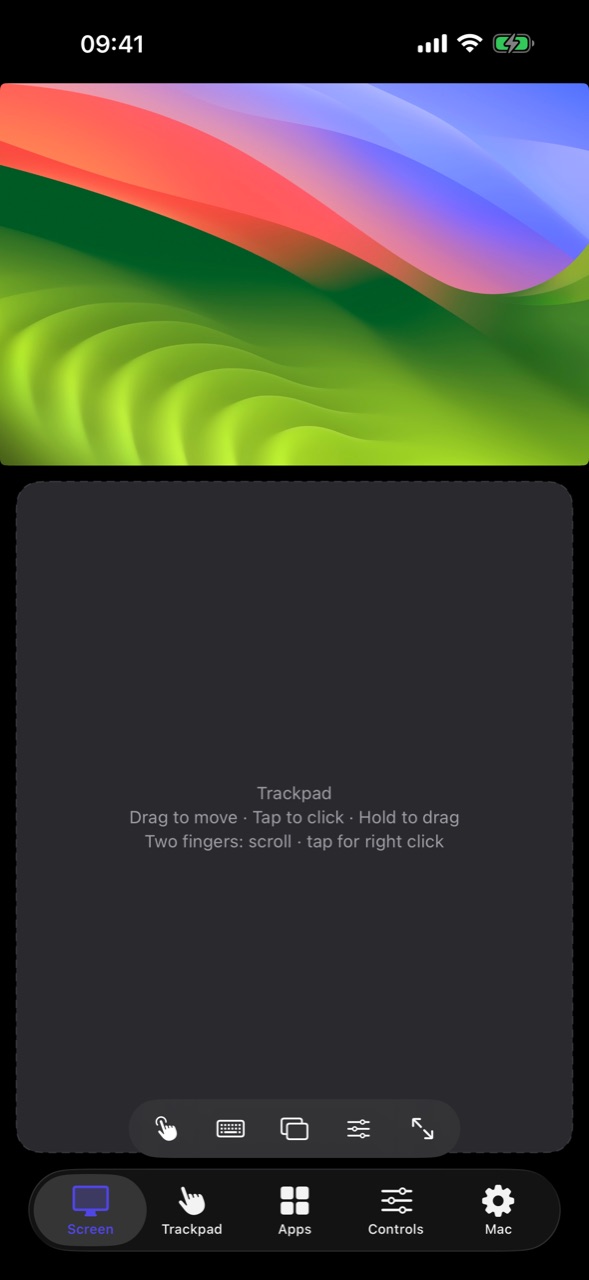
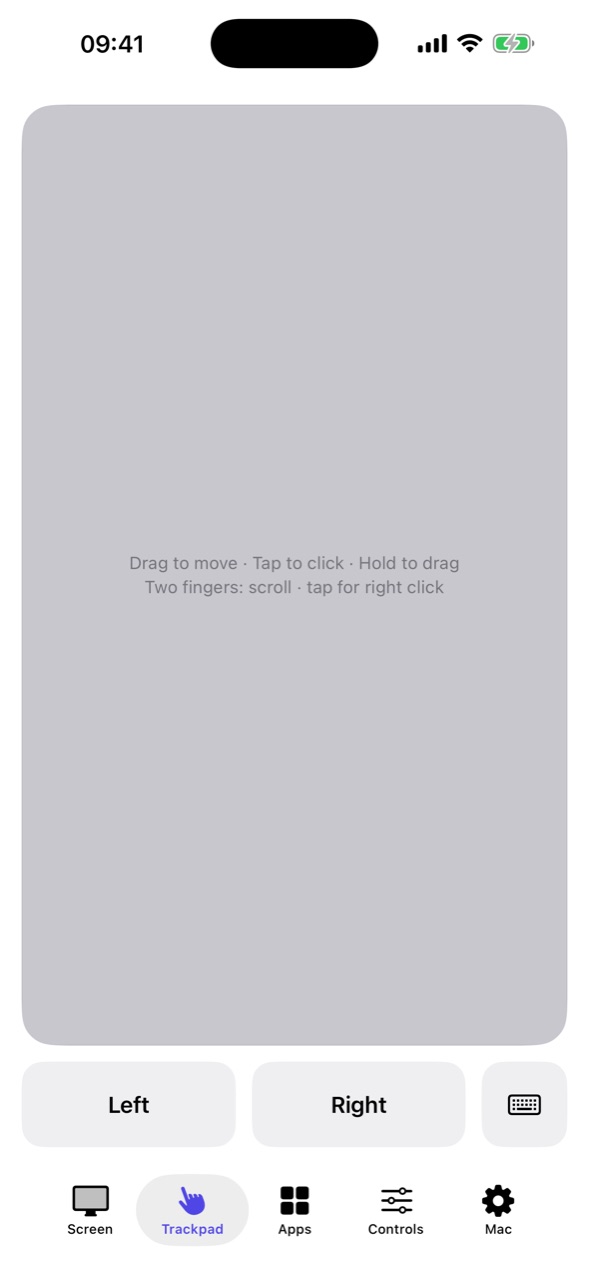
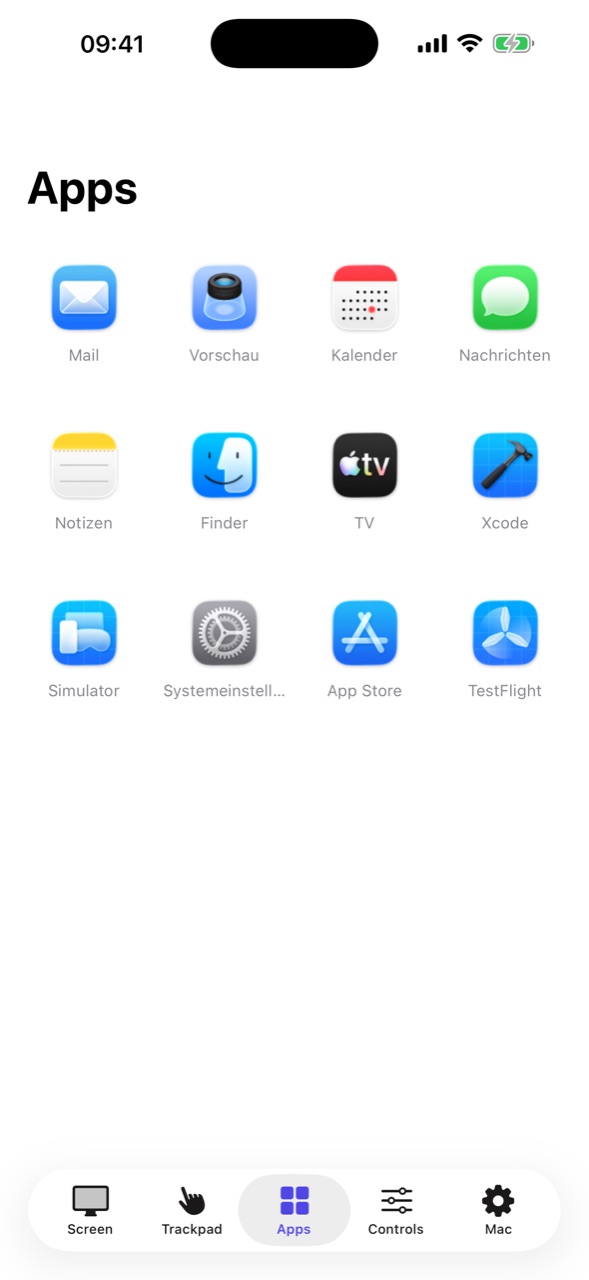
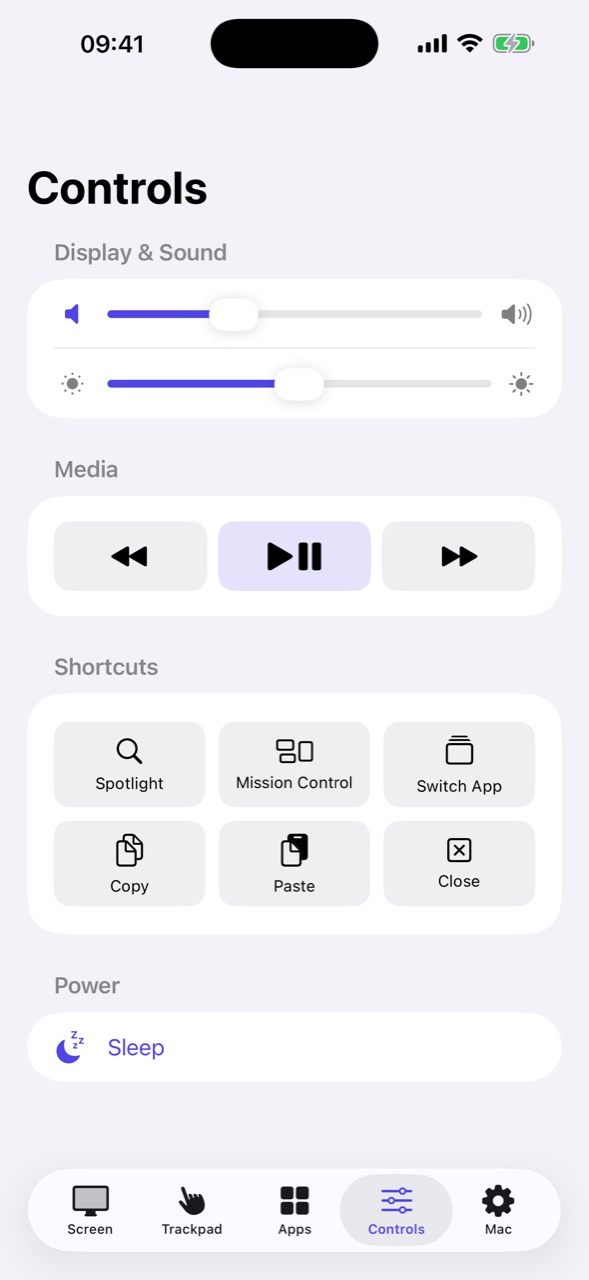
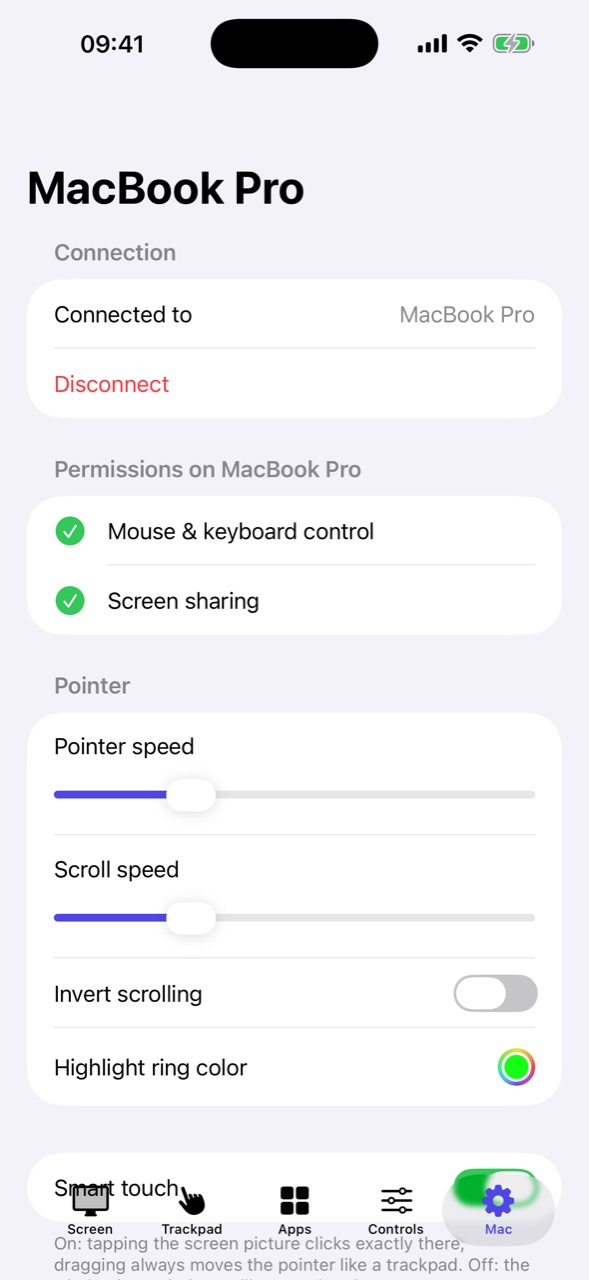
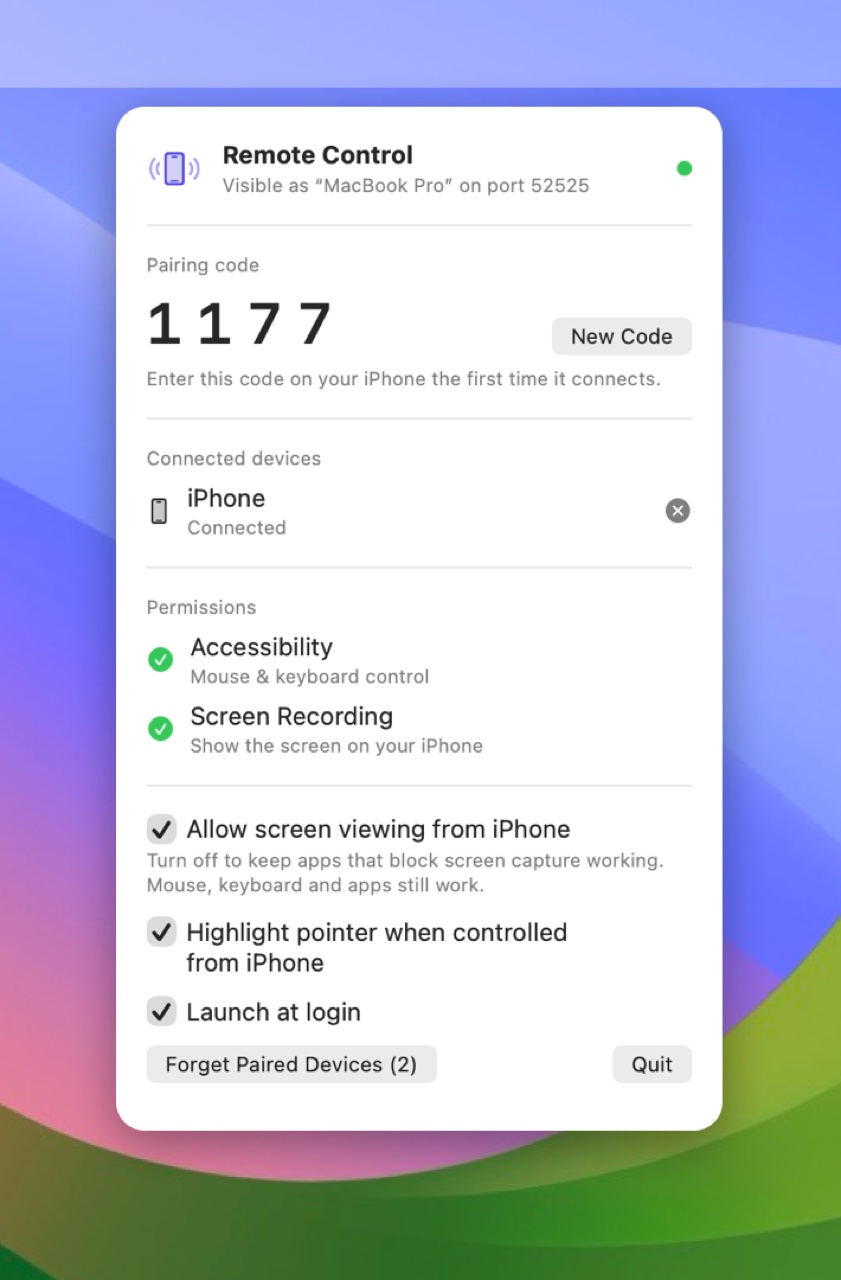
Use your iPhone or iPad as a trackpad, keyboard and live screen for your Mac. Switch apps, change the volume, control media and put the Mac to sleep. The devices connect directly on your local network: no account, no cloud. Requires the free Remote Control app on your Mac.
Highlights
- See your Mac's screen live and tap exactly where you want to click; drag to move the pointer, pinch to zoom
- Full-screen trackpad with click, right click, drag & drop and two-finger scrolling
- Type with the iPhone keyboard, including Return, Escape, arrow keys and shortcuts
- Switch, hide and quit your Mac's apps with one tap
- Volume, media playback, Spotlight, Mission Control – and put the Mac to sleep
- Turn the screen picture off so apps that block screen capture keep working
- Direct connection on your local network: no account, no cloud, no tracking
Help & privacy
- Support and frequently asked questions
- Privacy policy – Remote Control collects no personal data.